 Download on the App Store
Color ideas on your car
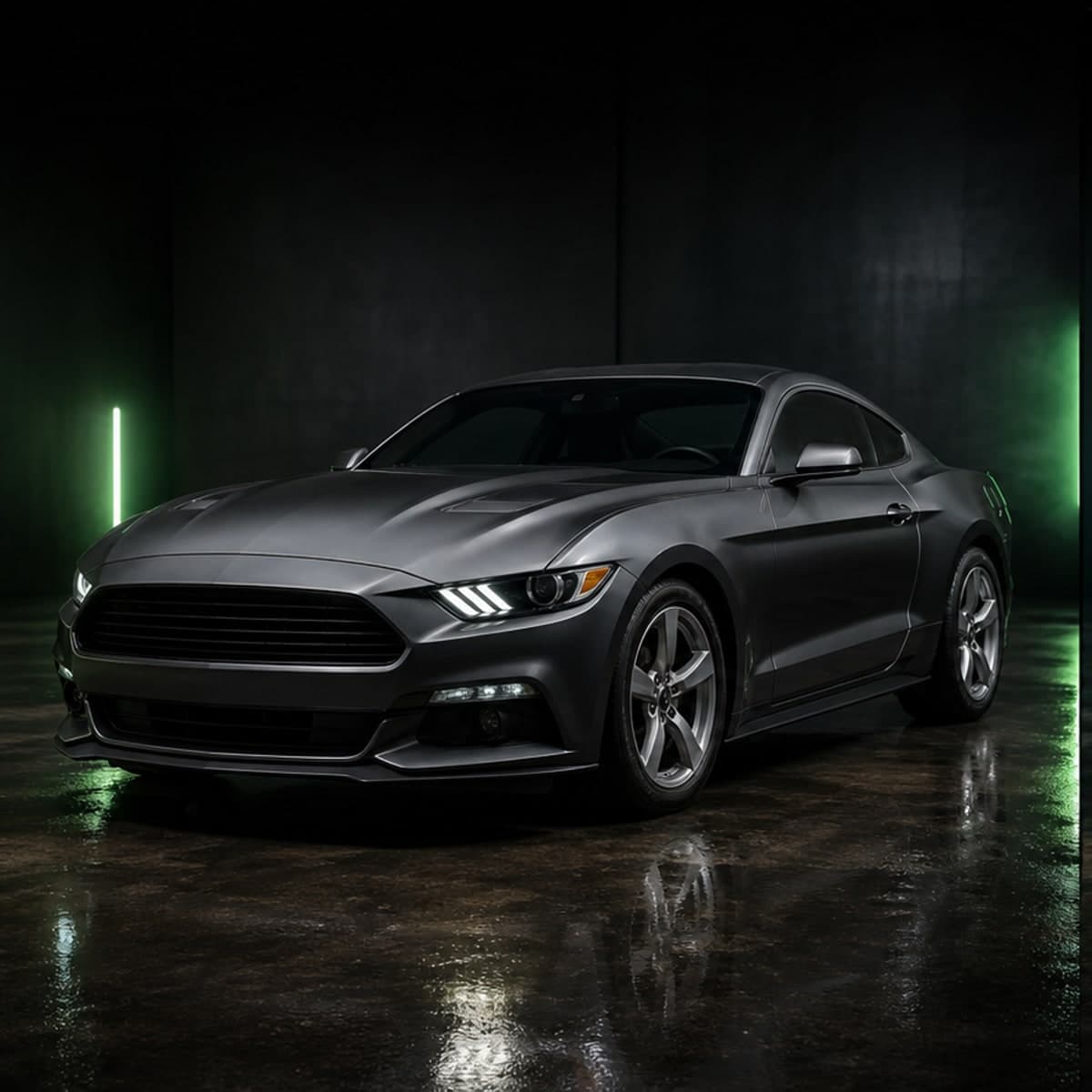
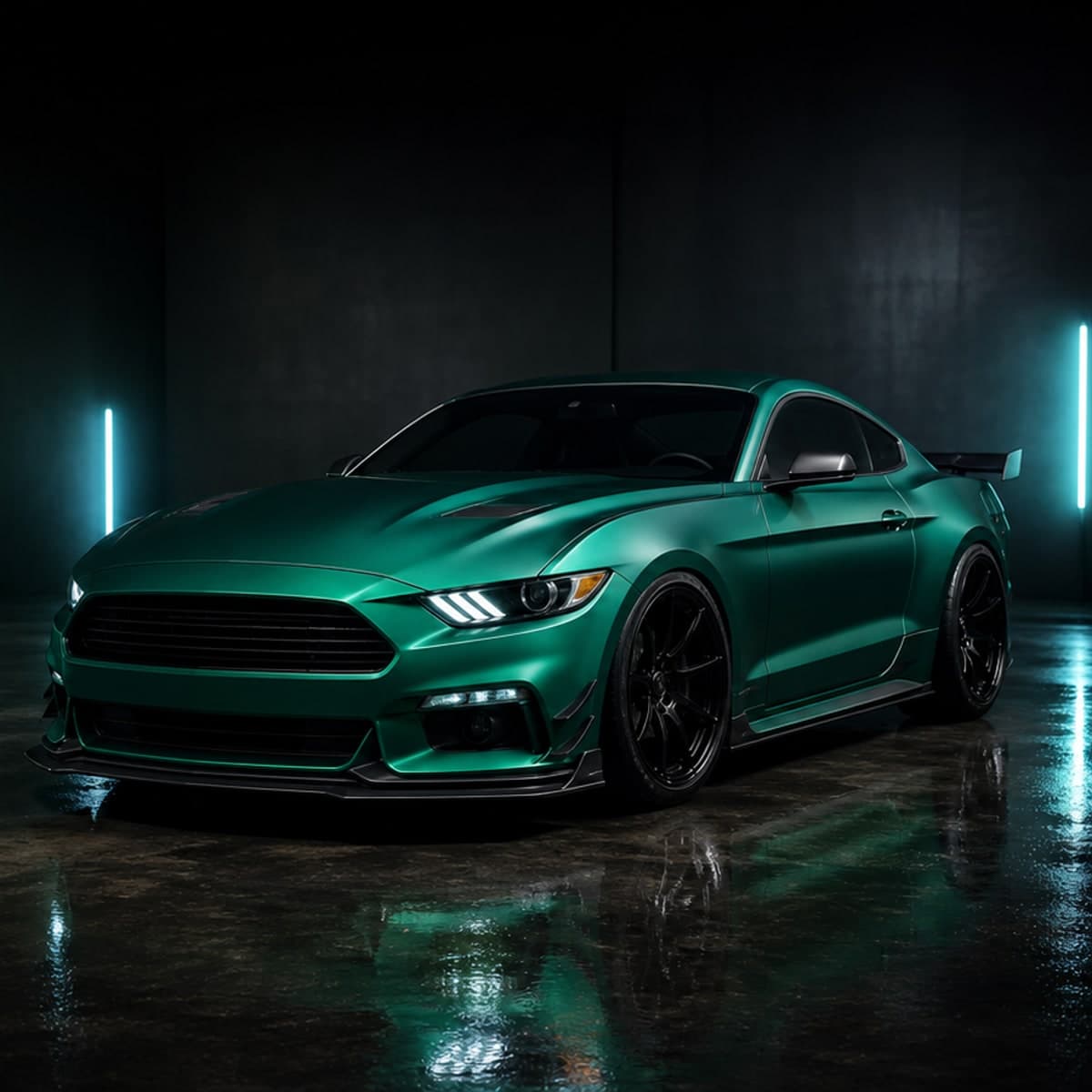
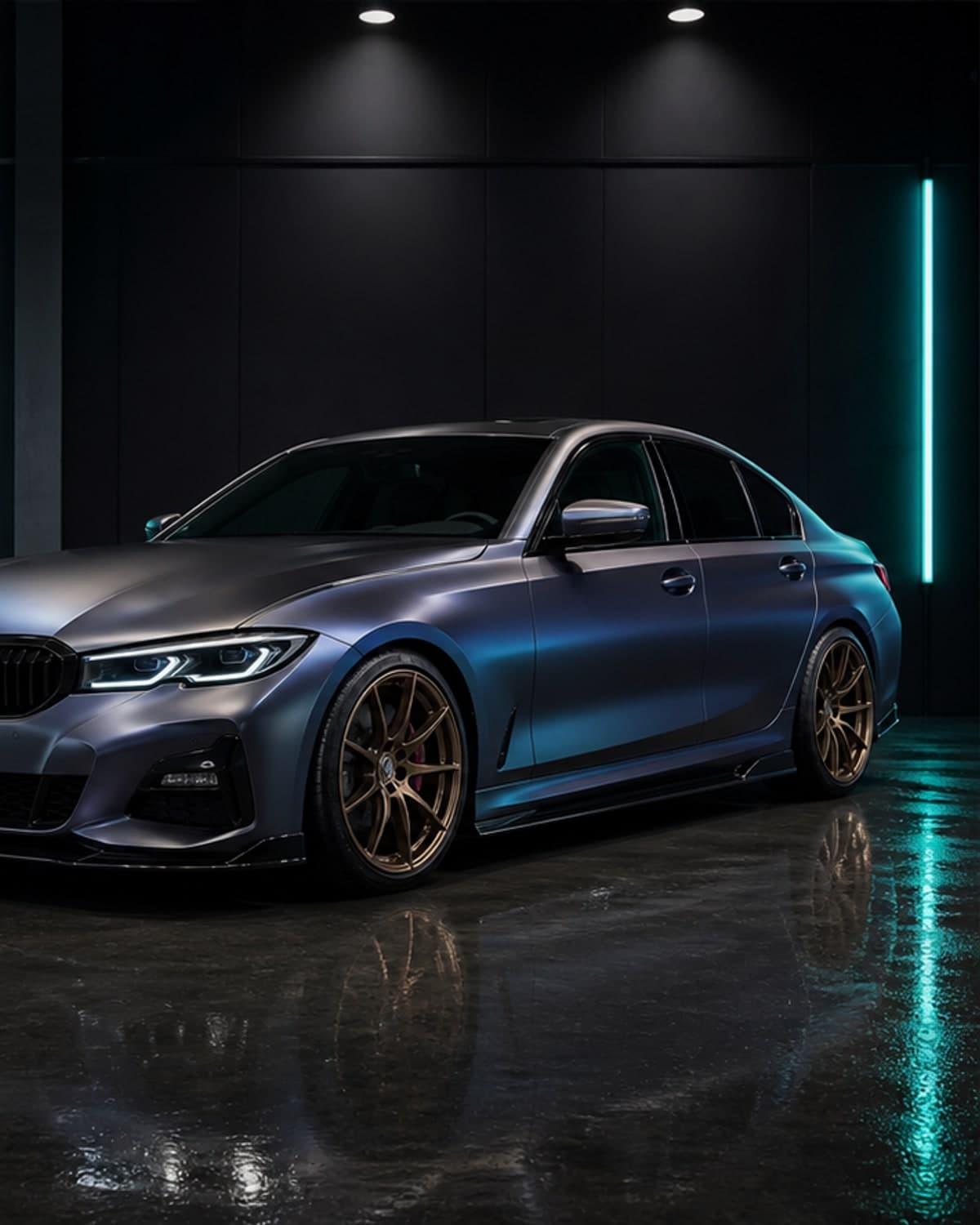
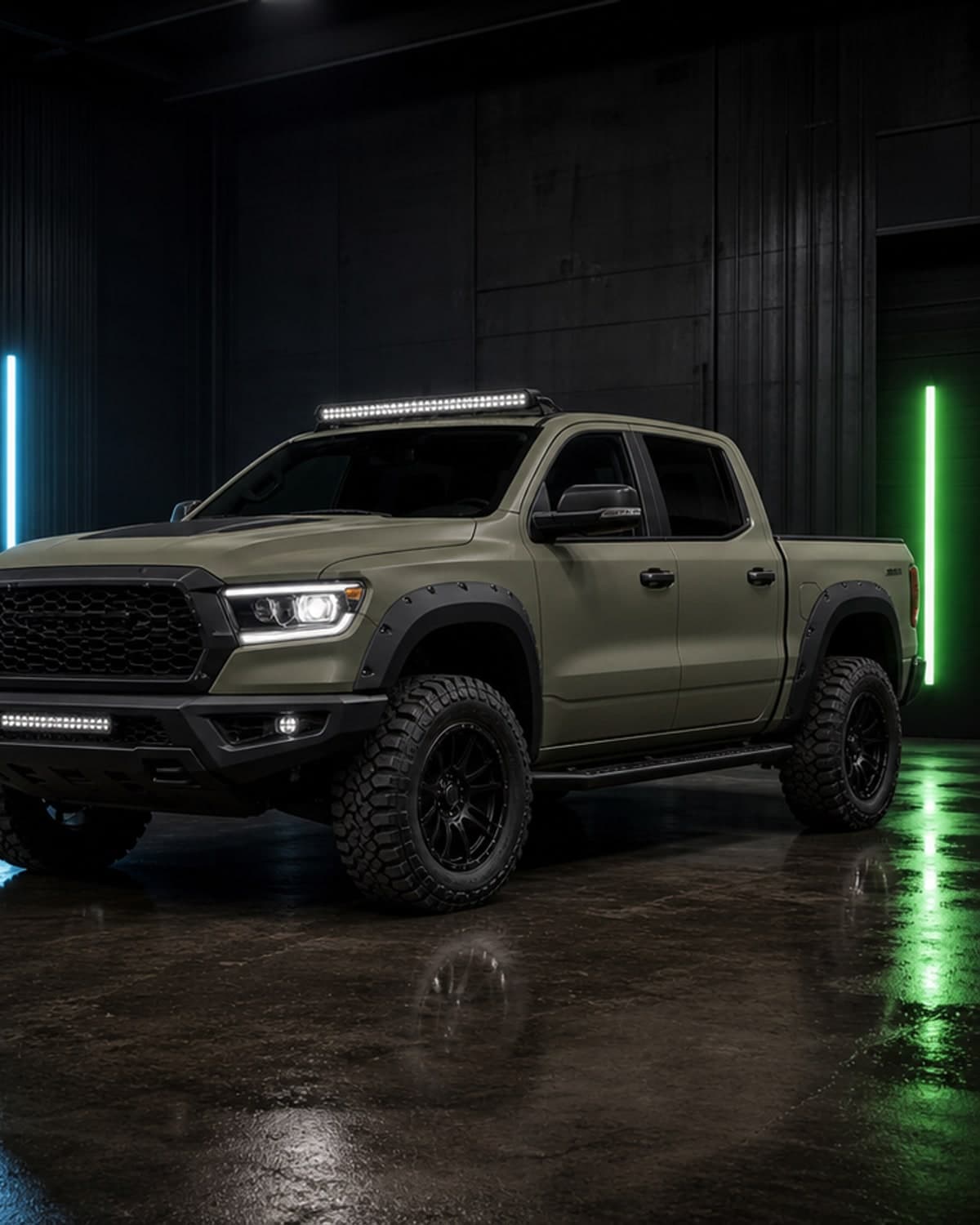
Preview broad paint and wrap directions on your own body style, trim, lighting and wheel setup.
Car color changer app
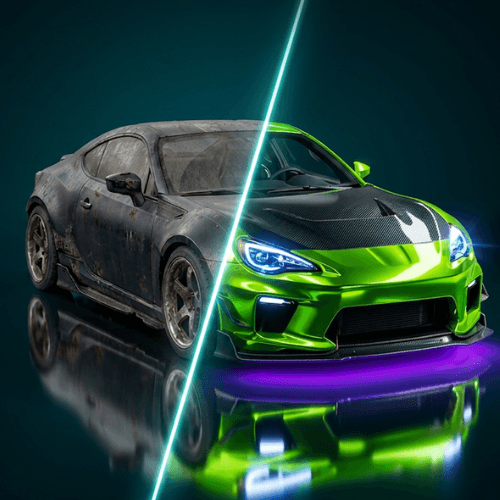
See whether a new color actually fits your car before you repaint or wrap it. Compare matte, gloss, satin and bold color ideas from your iPhone.
car color changer app
Preview broad paint and wrap directions on your own body style, trim, lighting and wheel setup.
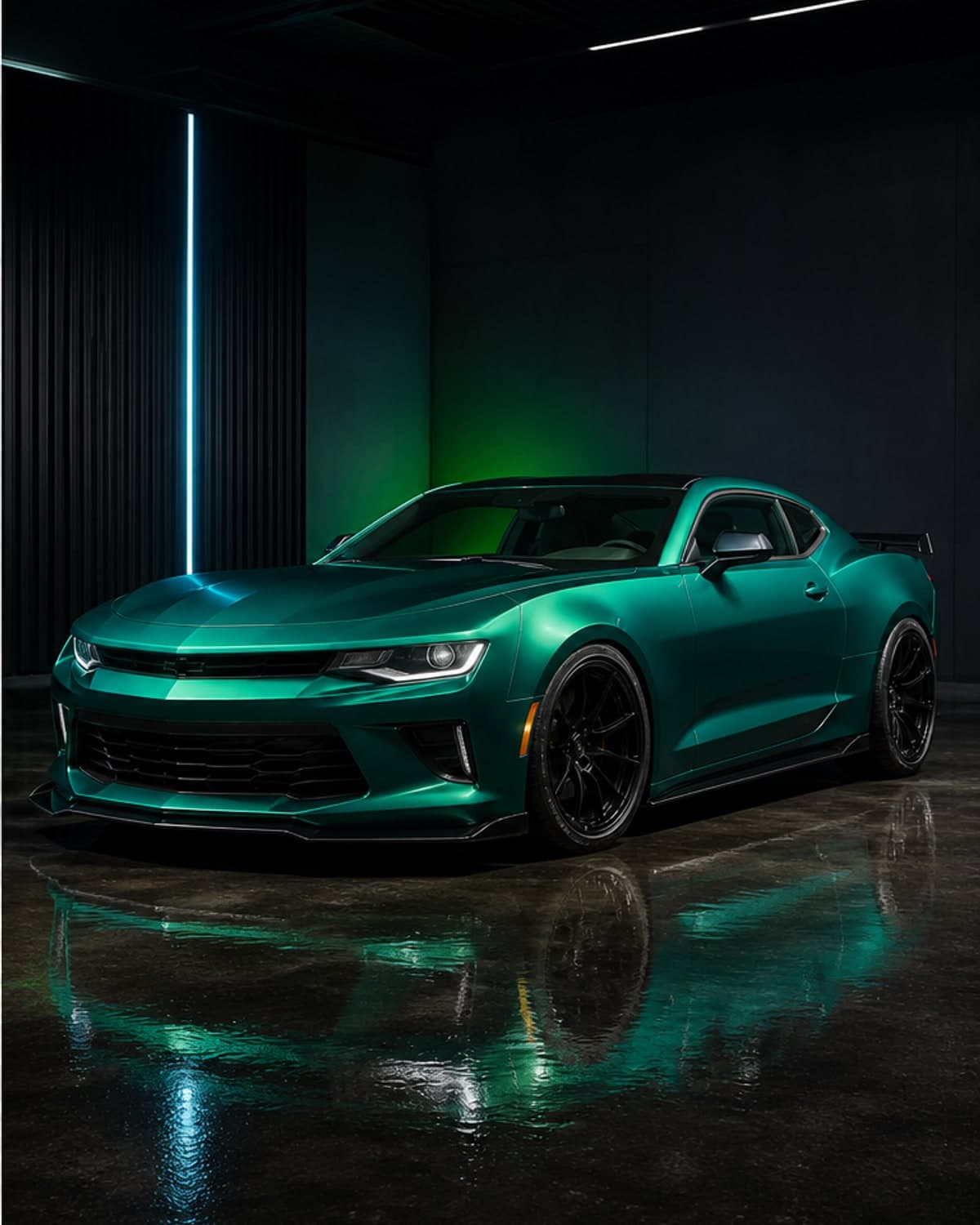
Compare matte, gloss, satin, pearl, metallic and custom-inspired looks before choosing samples.
Generate multiple color options and save the strongest concepts for shop conversations or personal review.
Keep exploring wraps, wheels, stance and full modification concepts once the color direction feels right.
Color planning
A car color changer app helps you pick the paint or wrap direction, then you can compare car wraps before buying vinyl, preview rims on your car, explore full concepts in the AI car modification app, or create quick edits with the car photo editor.
AI car modification app
Plan colors, wraps, rims, stance, aero parts and full custom build ideas from one car photo.
AI car color changer
Preview paint colors, matte finishes, gloss looks and custom shades before repainting or wrapping.
car wrap preview app
Test vinyl wrap colors and finishes before ordering material or booking a wrap shop.
preview rims on car
Compare wheel styles, rim finishes and stance ideas before buying a new setup.
AI car editor
Create quick car photo edits for social posts, shop references and custom build inspiration.
car modification app
Preview a complete car modification direction before buying parts or booking shop work.
AI car modifier
Use AI to modify a car photo and compare realistic exterior build ideas.
car customization app
Customize colors, wraps, rims, stance and exterior styling in one planning workflow.
AI car generator
Generate custom car concepts from your own photo for faster build inspiration.
car photo editor
Edit car photos with AI to preview modification ideas without complex software.
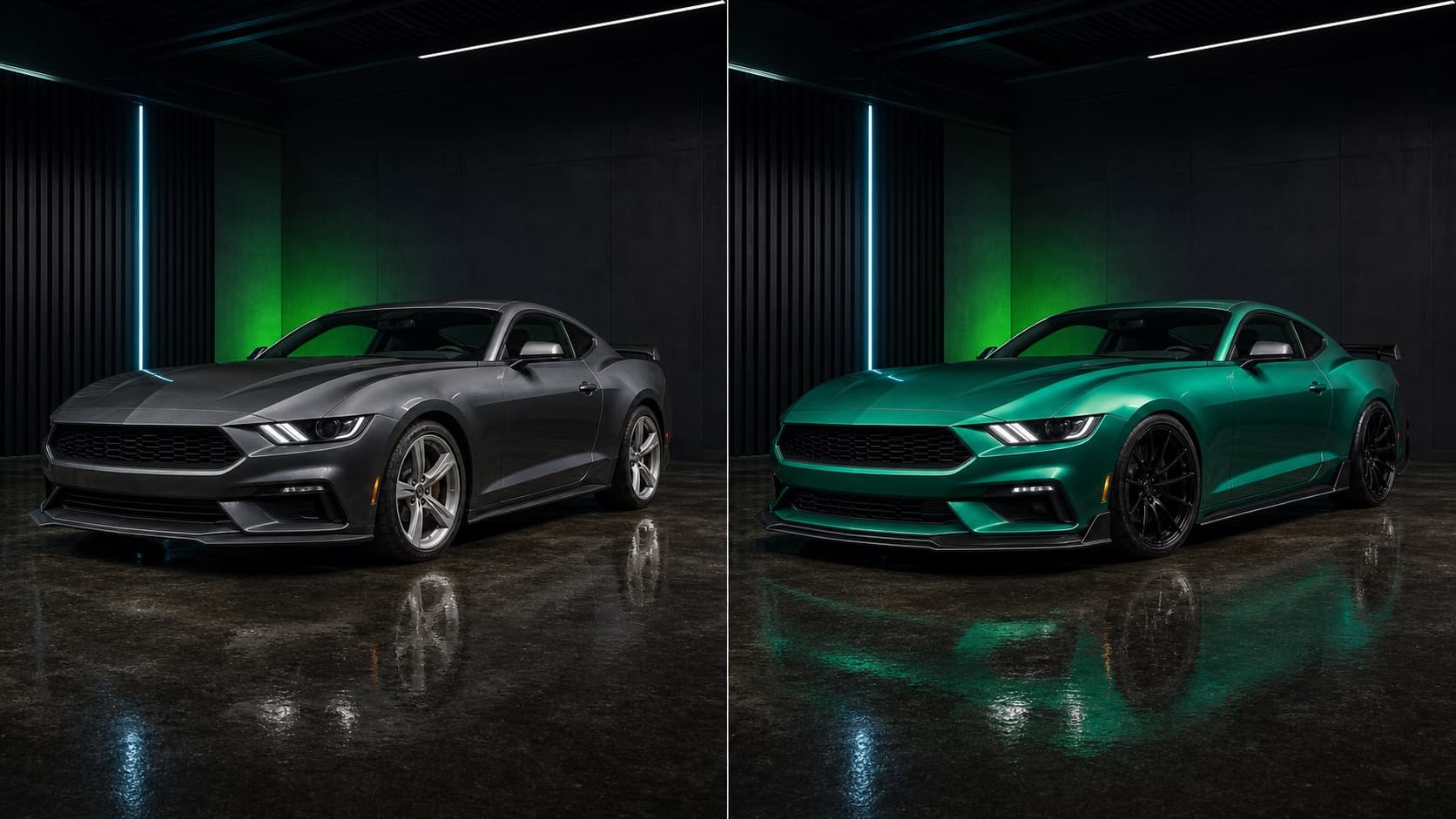
Before and after
CarLab AI is made for the moment before you buy: when you need to see whether the color, wrap, wheels, spoiler or full custom direction belongs on your actual car.
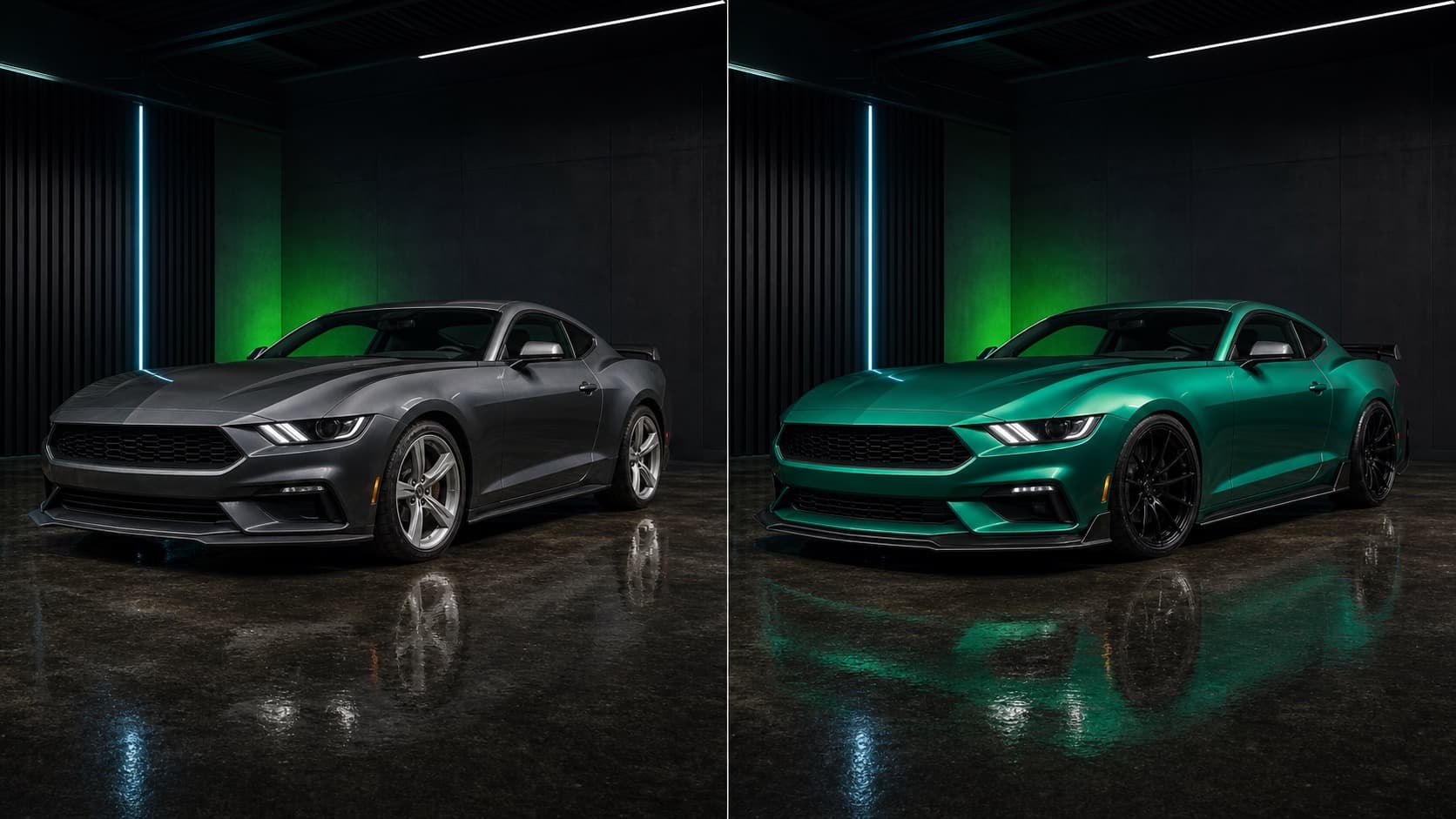
Compare realistic AI car editor concepts before choosing parts, paint or wrap material.
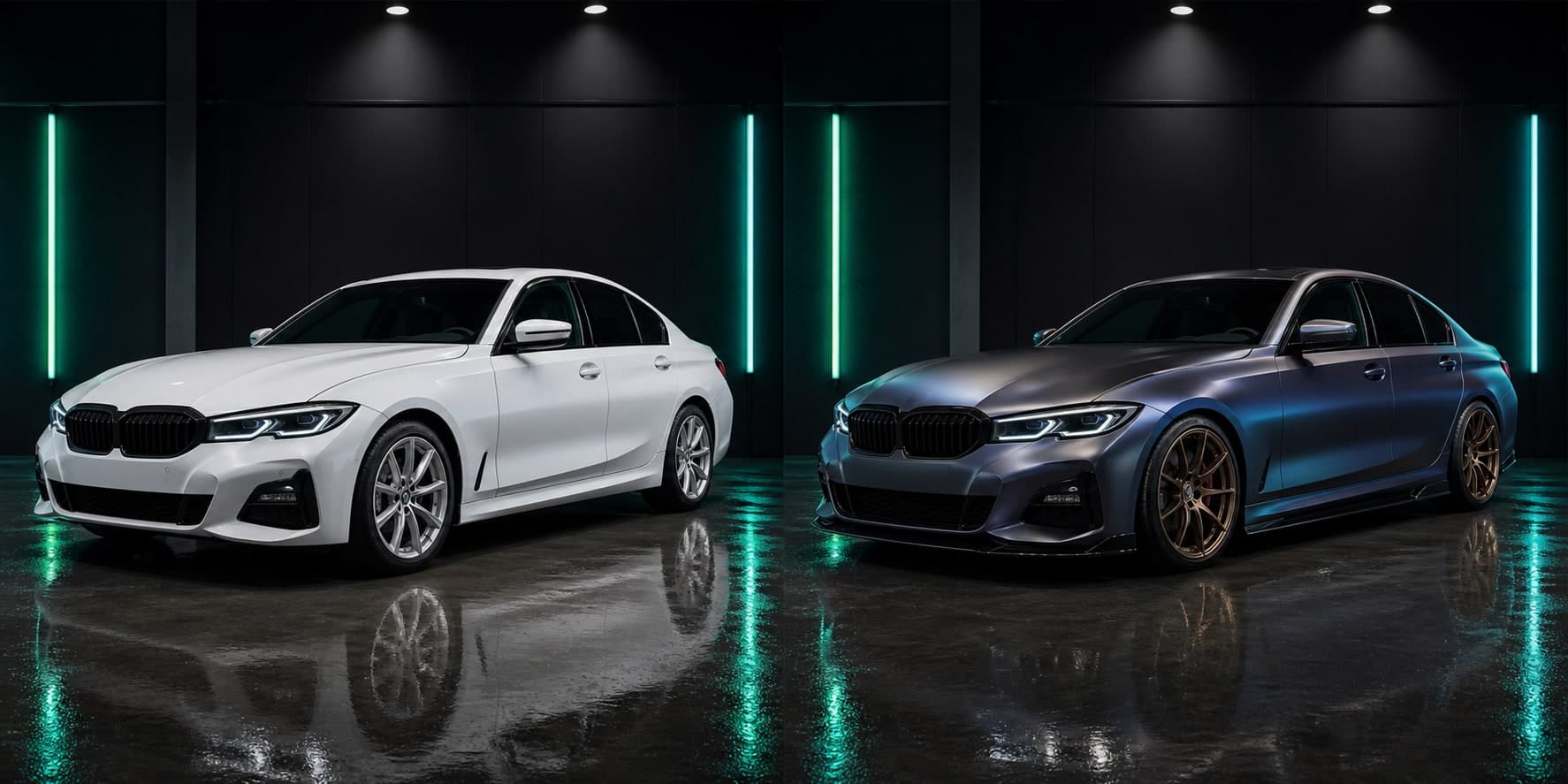
Compare realistic AI car editor concepts before choosing parts, paint or wrap material.
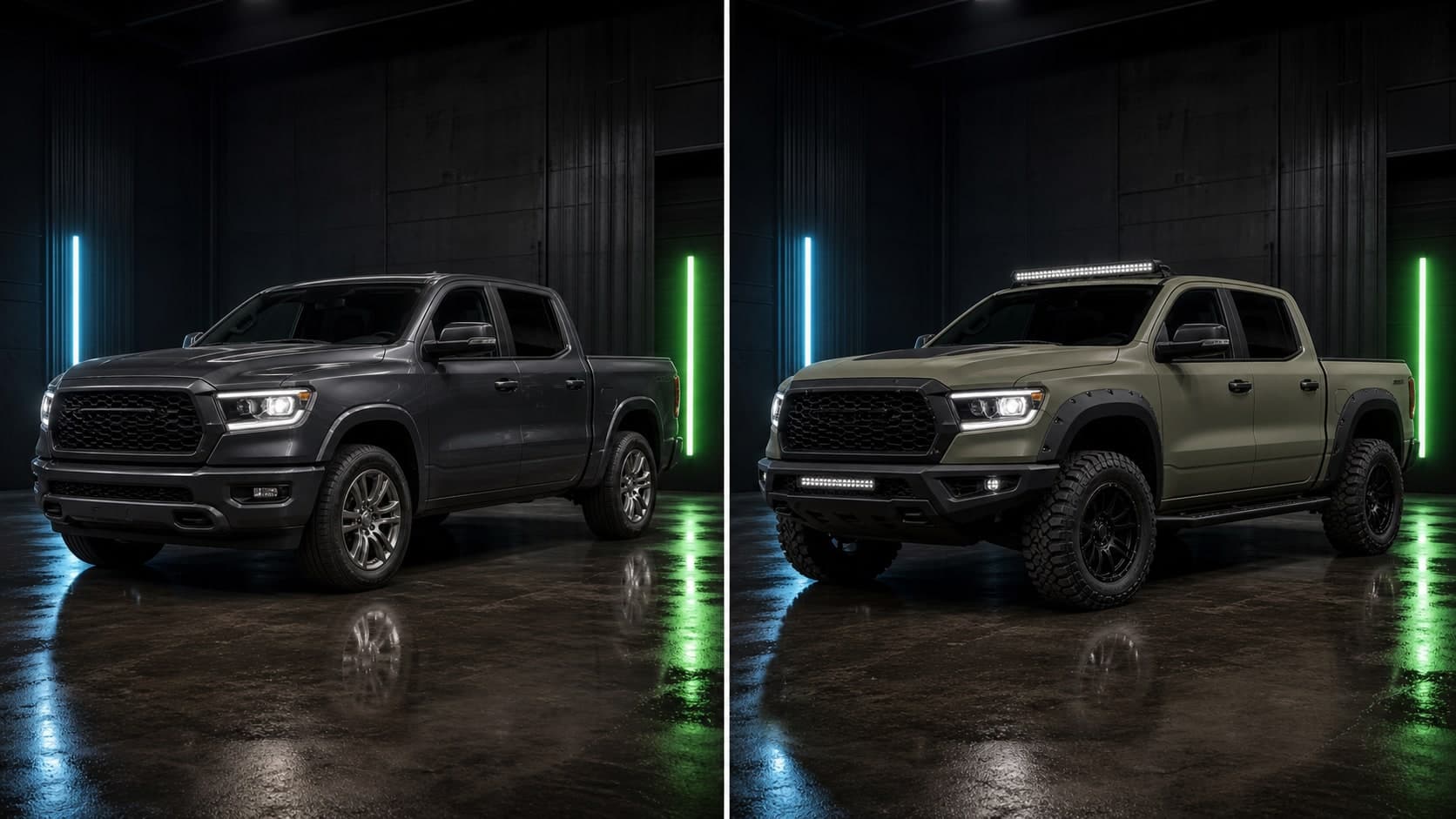
Compare realistic AI car editor concepts before choosing parts, paint or wrap material.
Best for
How it works
Use a clear side, front-three-quarter or rear-three-quarter photo from your camera roll.
Describe a color, wrap, rim style, spoiler, headlights, stance change or complete custom build.
Save the best concepts and use them as a practical reference before buying parts or booking a shop.
FAQ
It lets you preview different paint or wrap colors on a car photo before you commit to real materials or labor.
Yes. Upload a photo of your car and CarLab AI can generate color previews based on that image.
Yes. CarLab AI is useful for exploring paint-style colors as well as wrap-inspired finishes and visual directions.
No. They are visual planning previews. Real paint and vinyl should always be confirmed with physical samples and shop guidance.
Yes. You can continue testing rims, stance, wraps, spoilers and broader AI car modification ideas.
It can help you compare tasteful color directions, but resale value depends on the market, quality of work and buyer preferences.
Download CarLab AI
Upload your car photo, preview the look, and choose your next modification with more confidence.