 Download on the App Store
Paint and wrap colors
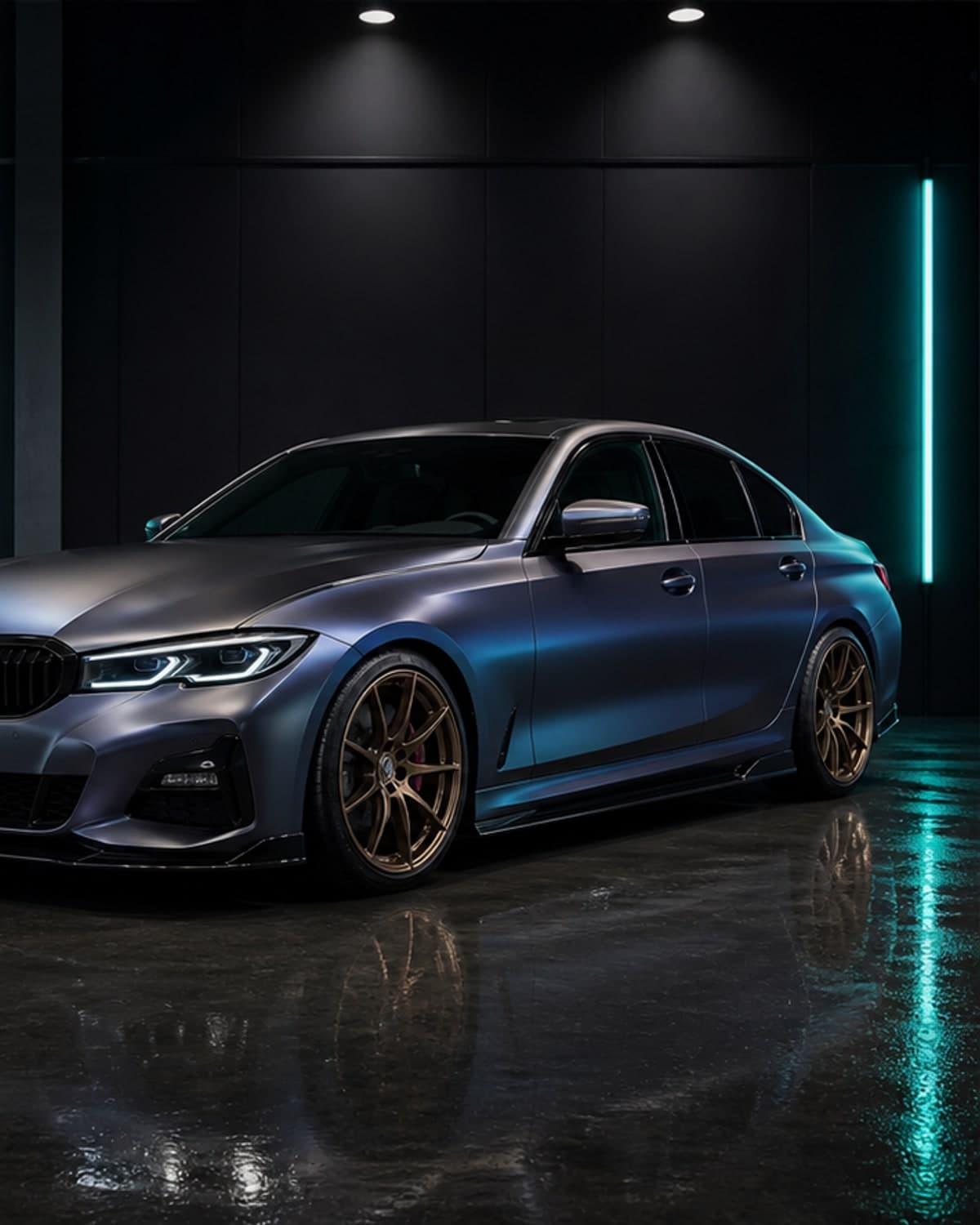
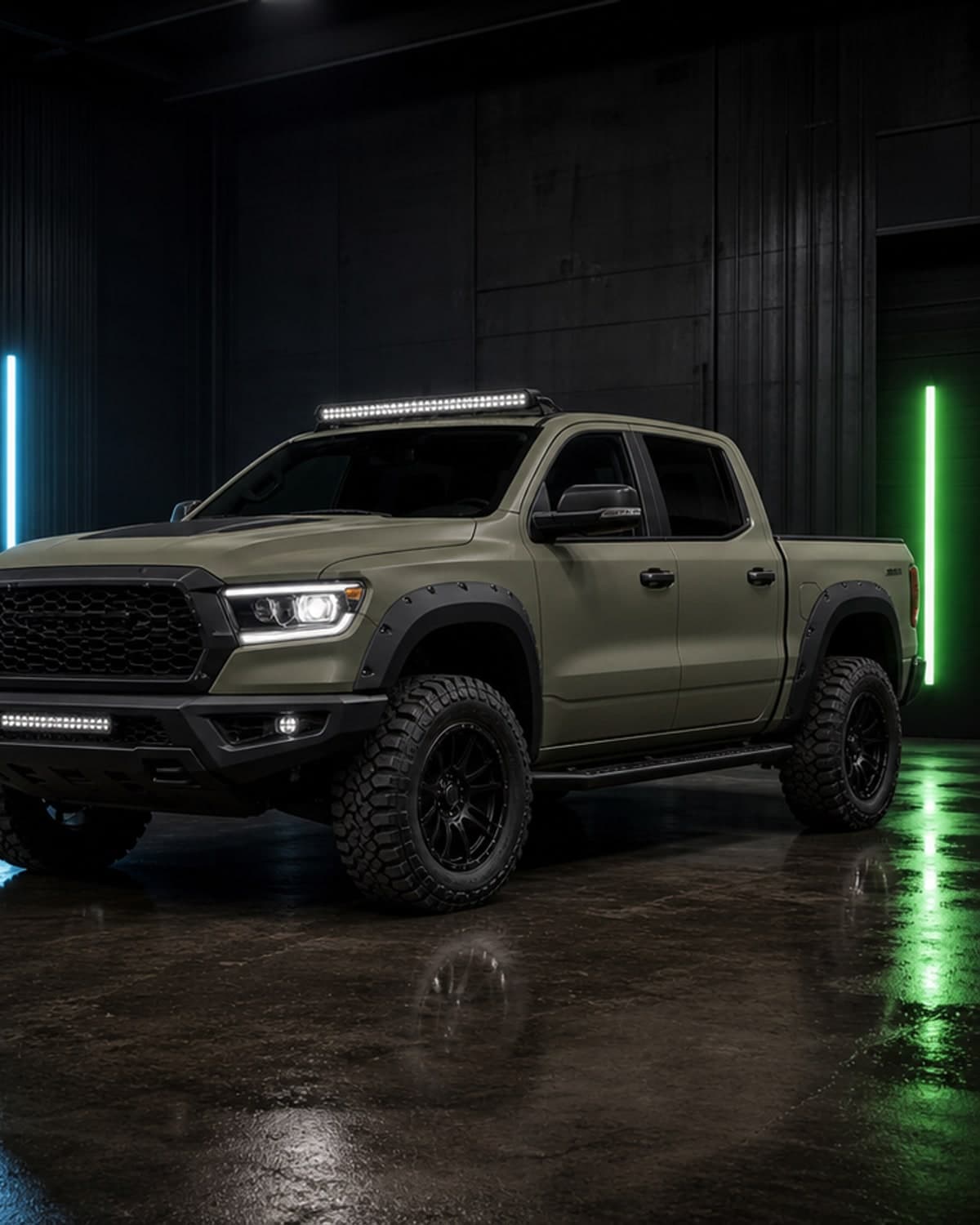
Preview gloss, matte, satin, metallic and bold custom color directions before booking a shop.
AI car color changer
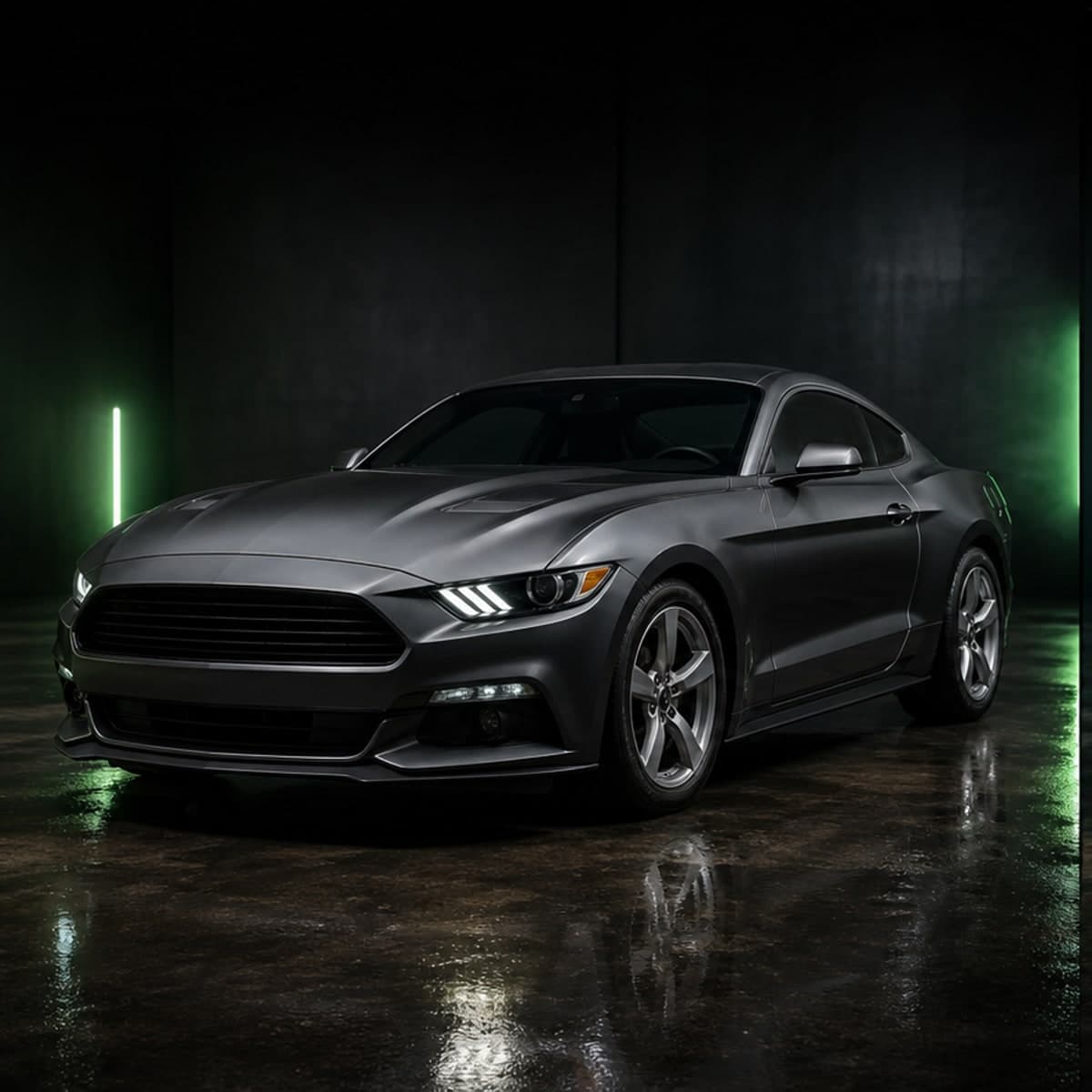
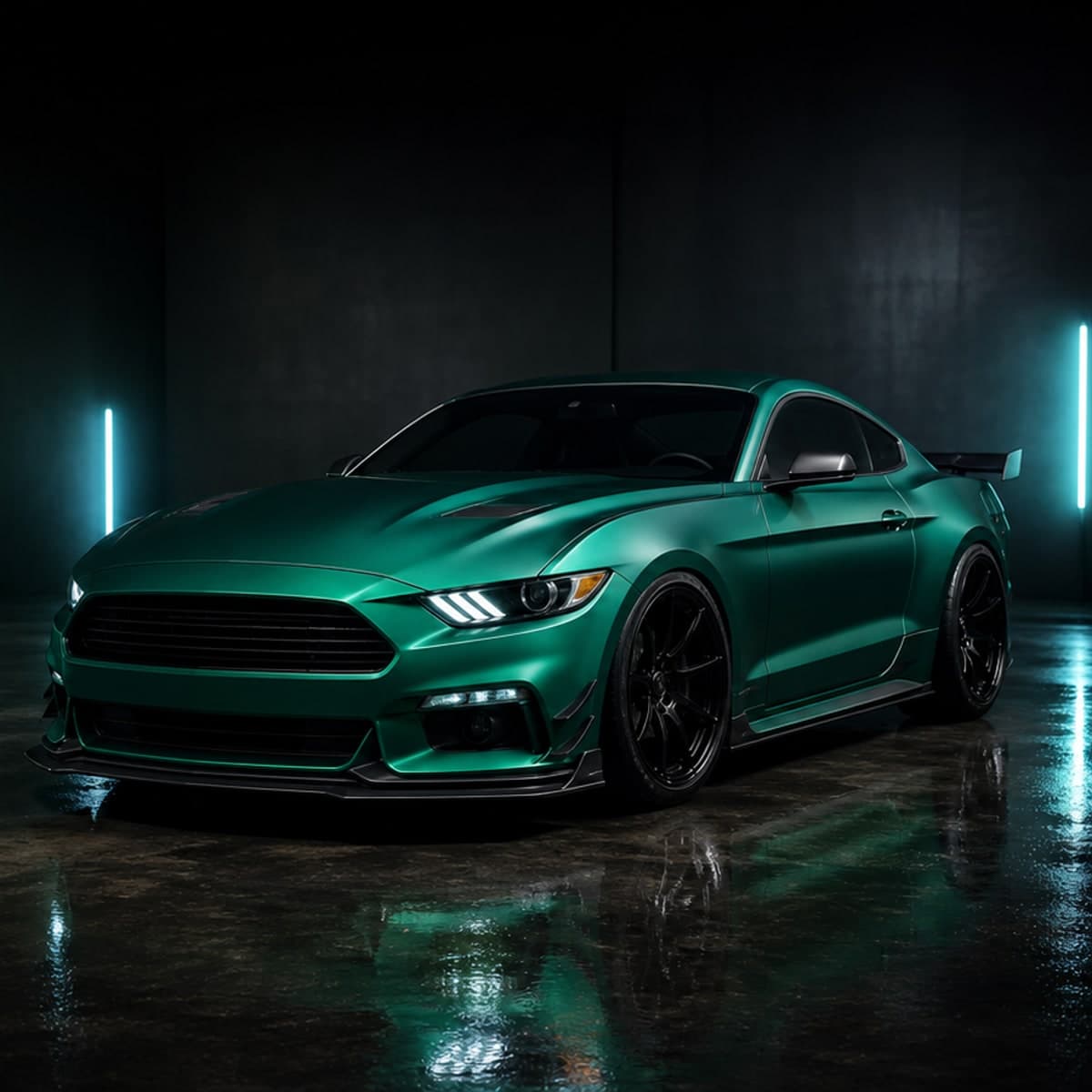
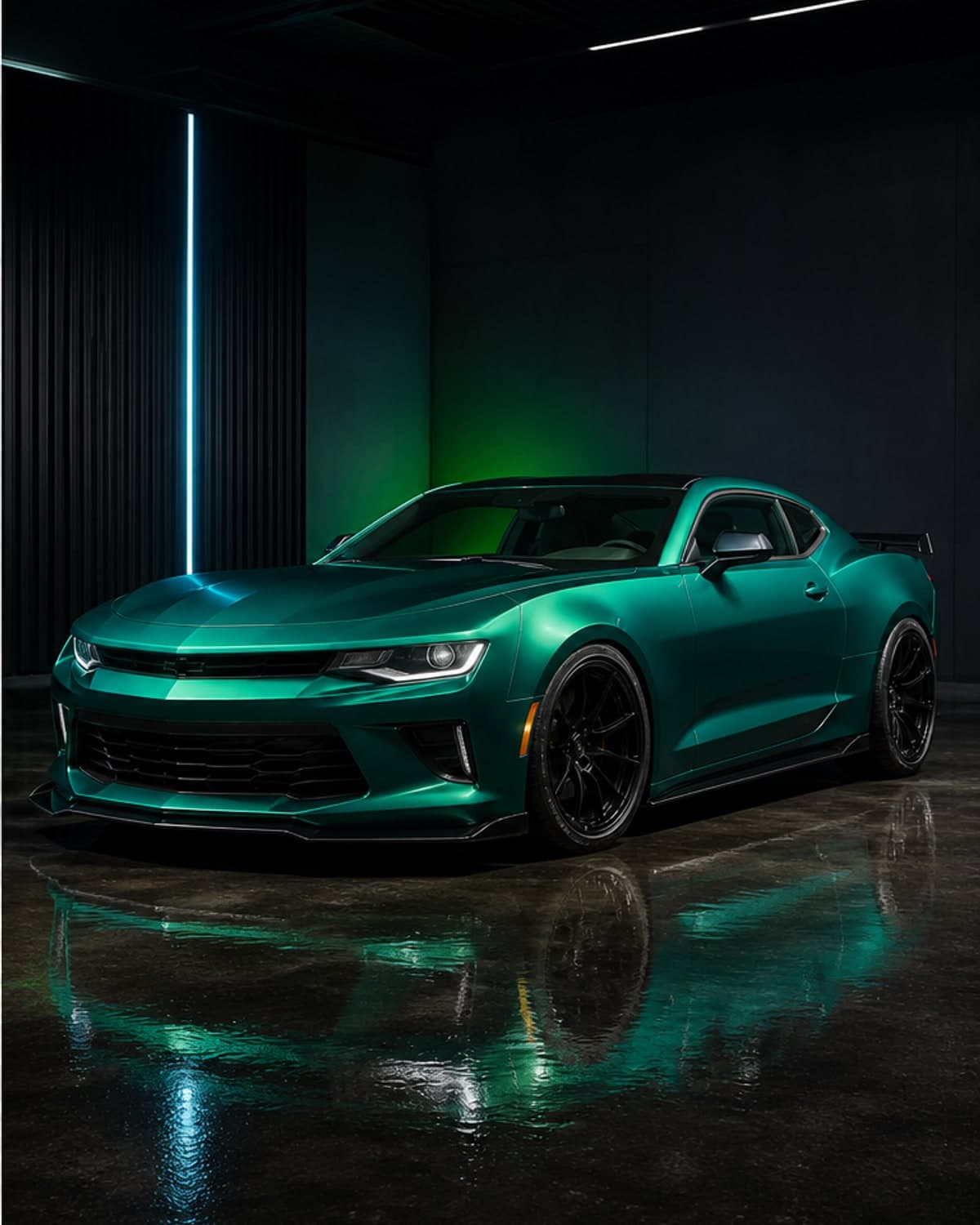
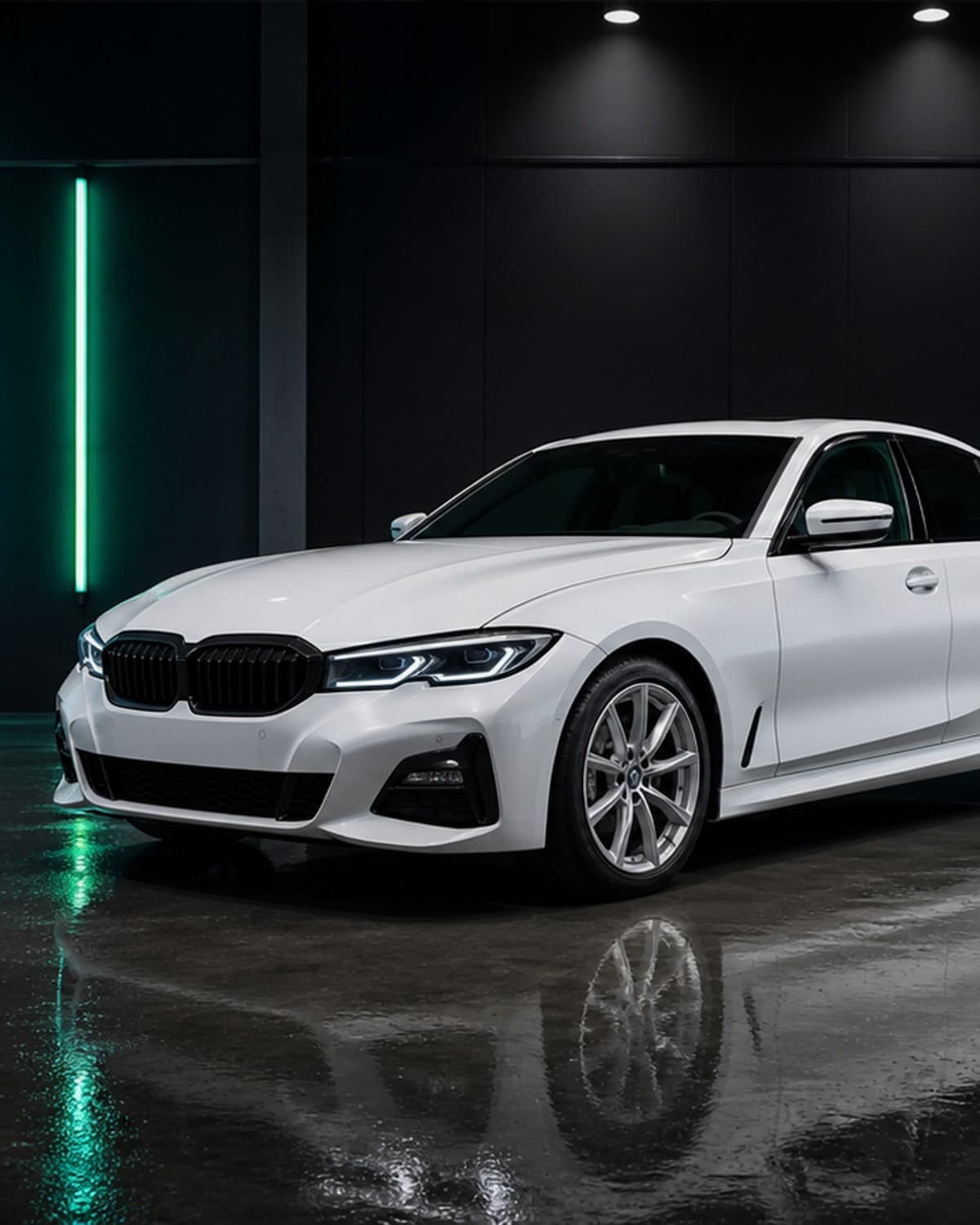
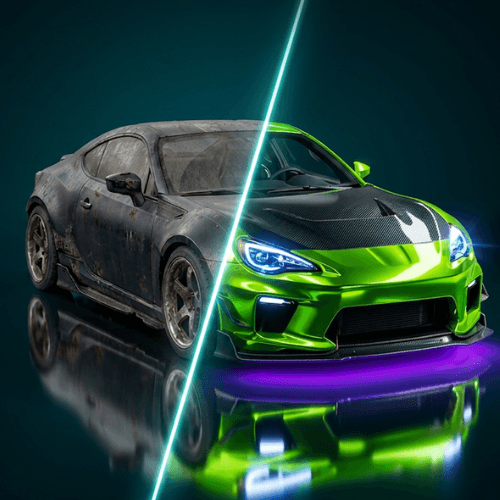
Wondering if your car should be black, racing green, pearl white or satin blue? Upload a photo and let CarLab AI create realistic color options on your own vehicle.
AI car color changer
Preview gloss, matte, satin, metallic and bold custom color directions before booking a shop.
See how a color idea works with your car's curves, lighting and existing trim details.
Save multiple looks and compare options before choosing the color that makes the car feel right.
Reduce second-guessing before spending money on paint correction, vinyl, materials and labor.
After color
Once you find a paint or wrap color you like, CarLab AI can also help you preview car wraps before buying vinyl, rims on your car, and complete concepts in the AI car modification app. For quick edits and shareable concepts, open the AI car editor page.
AI car modification app
Plan colors, wraps, rims, stance, aero parts and full custom build ideas from one car photo.
car wrap preview app
Test vinyl wrap colors and finishes before ordering material or booking a wrap shop.
preview rims on car
Compare wheel styles, rim finishes and stance ideas before buying a new setup.
AI car editor
Create quick car photo edits for social posts, shop references and custom build inspiration.
car modification app
Preview a complete car modification direction before buying parts or booking shop work.
AI car modifier
Use AI to modify a car photo and compare realistic exterior build ideas.
car color changer app
Test paint colors and wrap-inspired finishes on your own vehicle photo.
car customization app
Customize colors, wraps, rims, stance and exterior styling in one planning workflow.
AI car generator
Generate custom car concepts from your own photo for faster build inspiration.
car photo editor
Edit car photos with AI to preview modification ideas without complex software.
Before and after
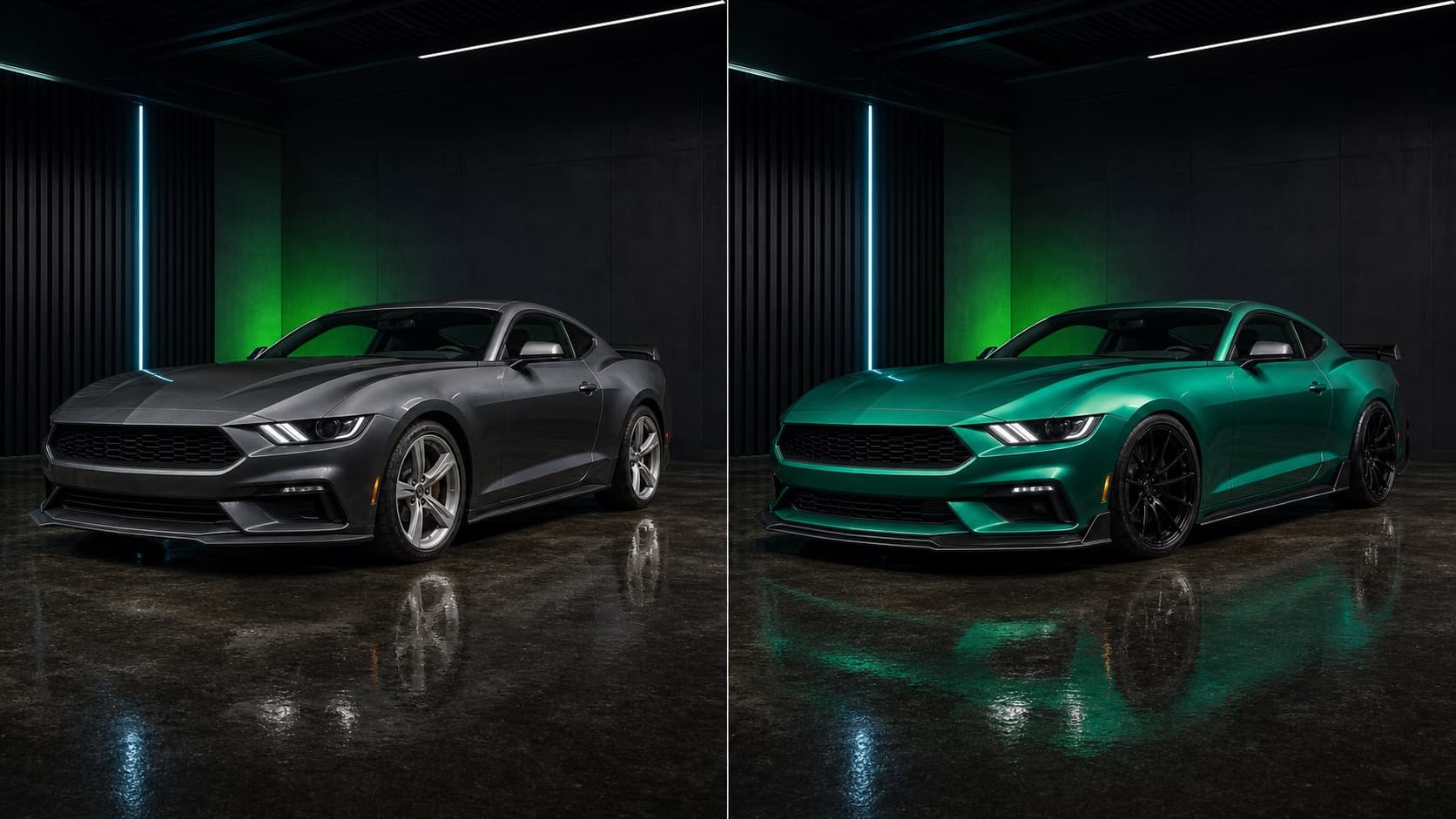
CarLab AI is made for the moment before you buy: when you need to see whether the color, wrap, wheels, spoiler or full custom direction belongs on your actual car.
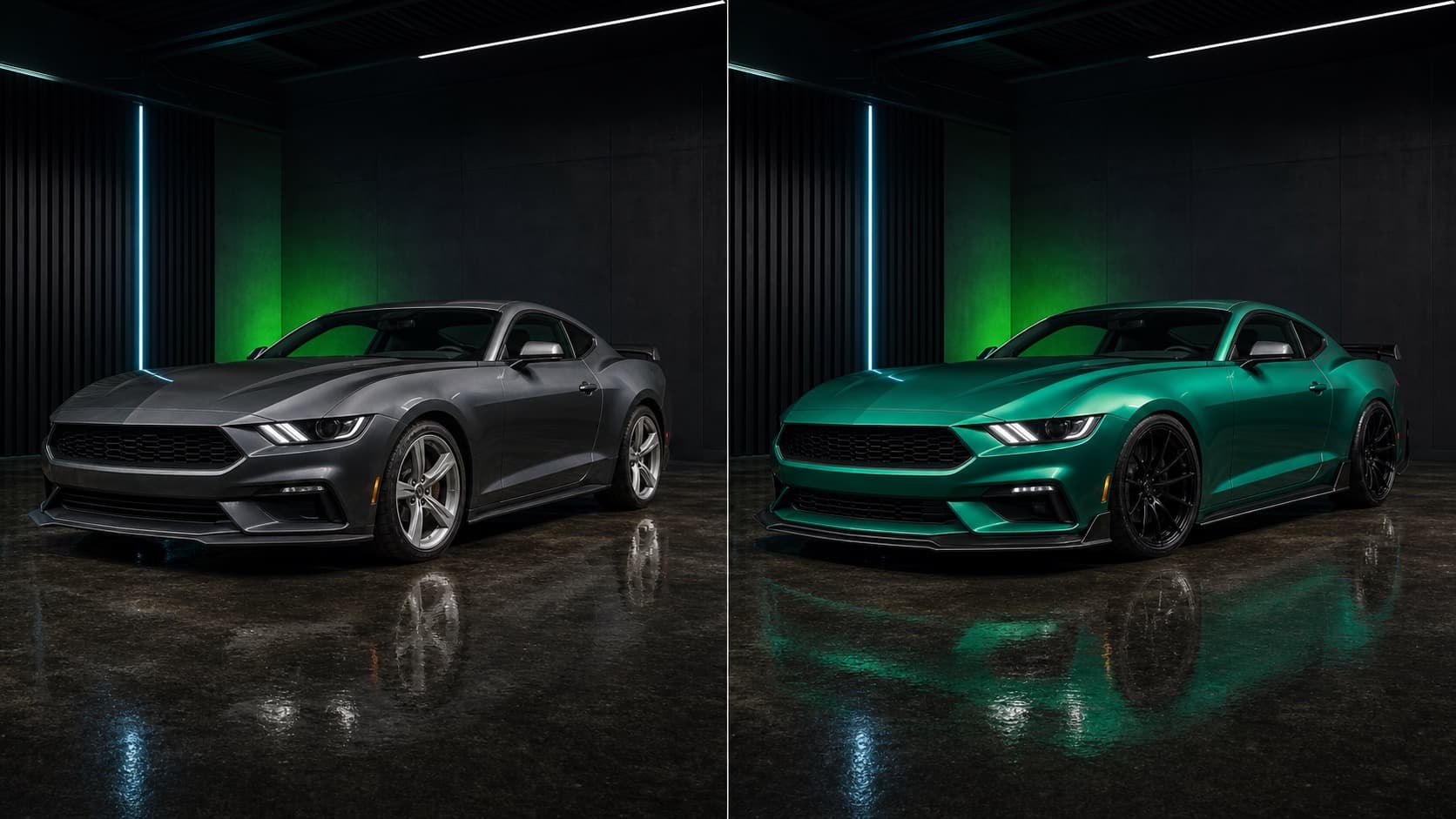
Compare realistic AI car editor concepts before choosing parts, paint or wrap material.
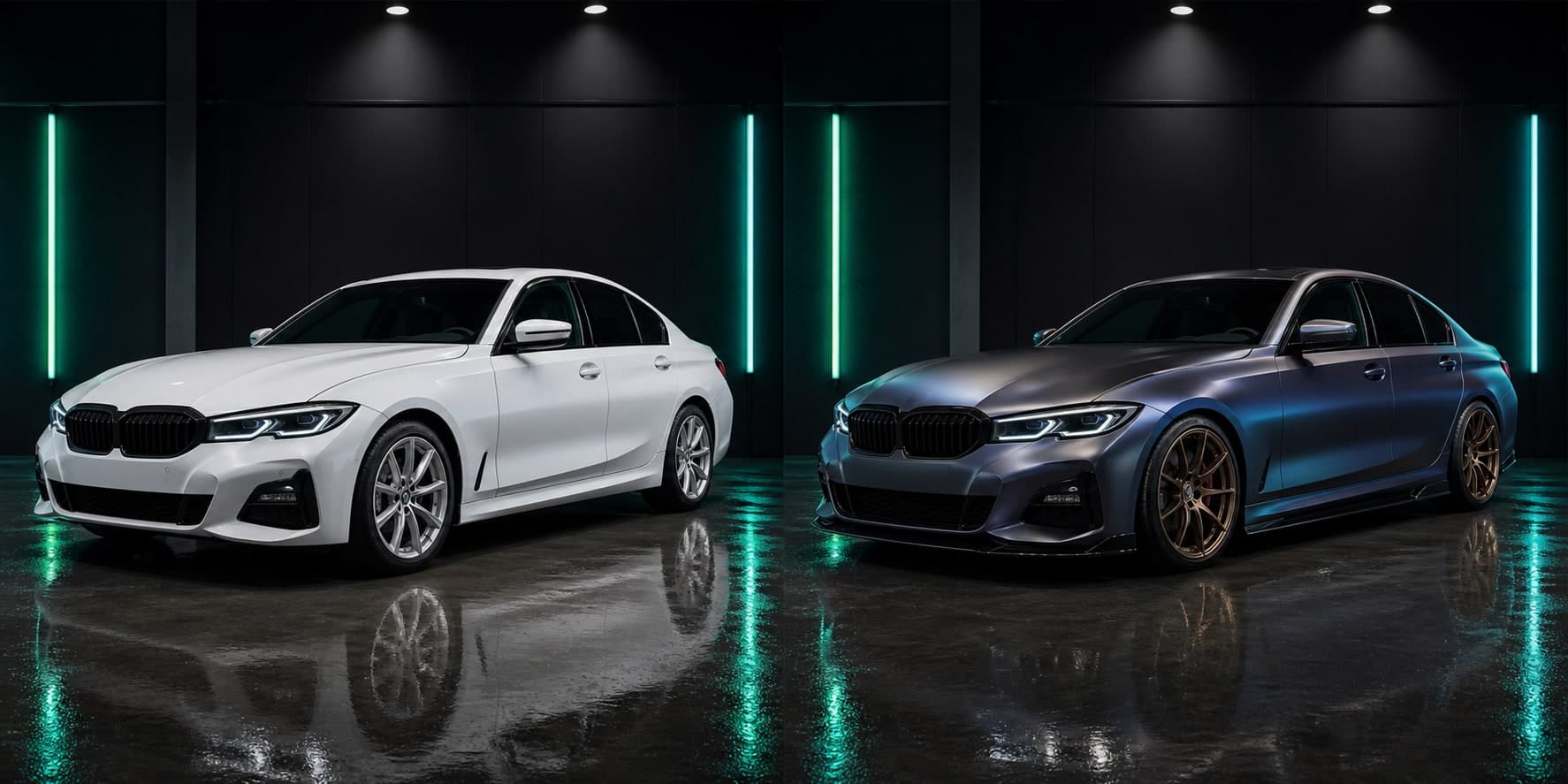
Compare realistic AI car editor concepts before choosing parts, paint or wrap material.
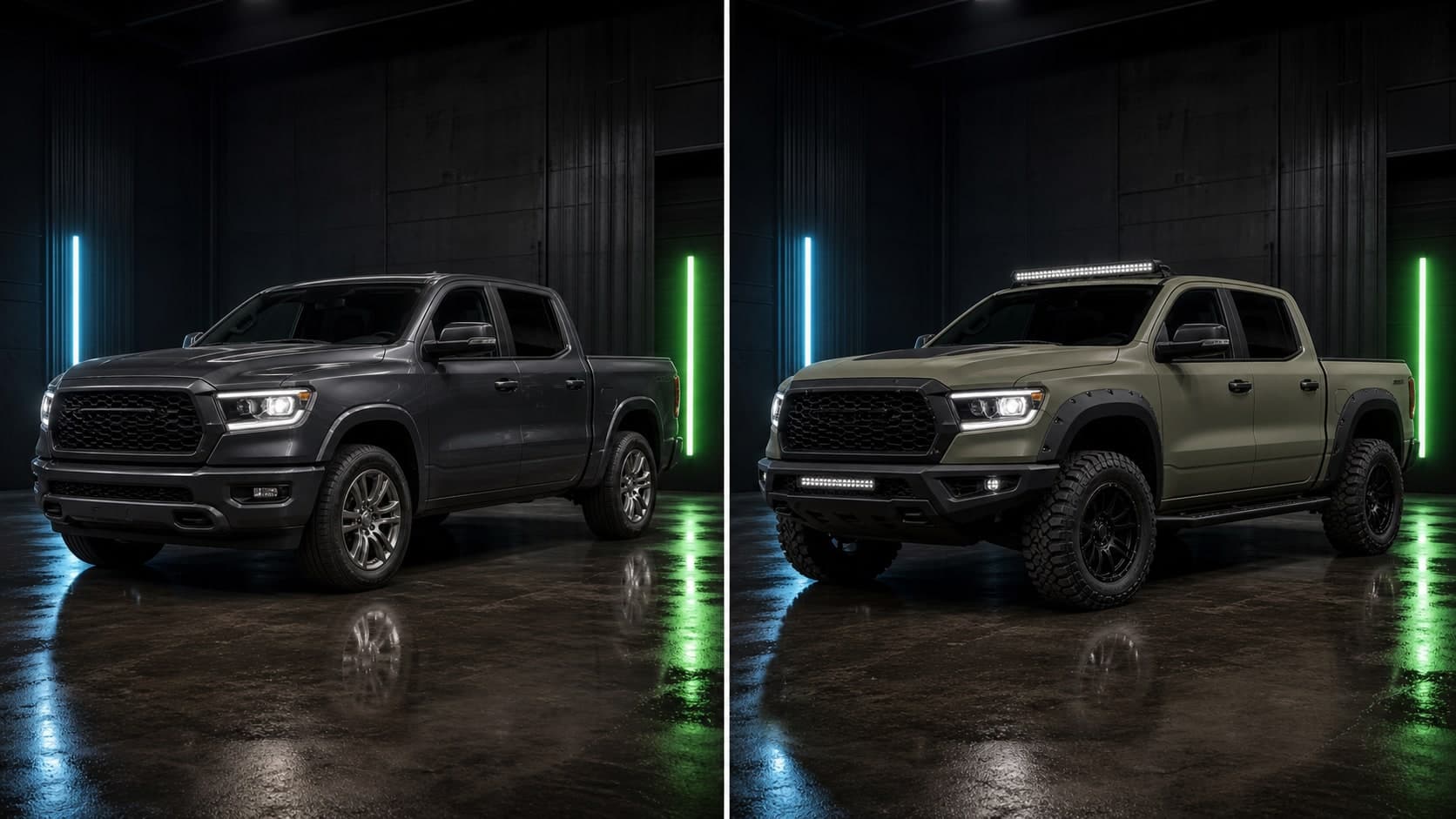
Compare realistic AI car editor concepts before choosing parts, paint or wrap material.
Best for
How it works
Use a clear side, front-three-quarter or rear-three-quarter photo from your camera roll.
Describe a color, wrap, rim style, spoiler, headlights, stance change or complete custom build.
Save the best concepts and use them as a practical reference before buying parts or booking a shop.
FAQ
Yes. CarLab AI lets you upload a car photo and generate realistic color changes so you can compare paint and wrap ideas.
Yes. CarLab AI works as a car color changer app, with extra support for wheels, wraps, aero parts and complete build previews.
AI previews are visual estimates. Real paint and vinyl vary by lighting, material, finish and installer, so use previews as planning references.
Yes. CarLab AI is useful for comparing broad finish directions like matte black, gloss white, satin grey, metallic colors and bolder custom looks.
Yes. After testing color ideas, you can also explore wrap-style previews, wheel changes and complete AI car modification concepts.
Yes. Bringing a few AI previews to a paint or wrap shop can make your target look easier to discuss before pricing materials and labor.
Download CarLab AI
Upload your car photo, preview the look, and choose your next modification with more confidence.